Best Free Birthday Photo Generator Online — No Download Required
What Is a Birthday Photo Generator?
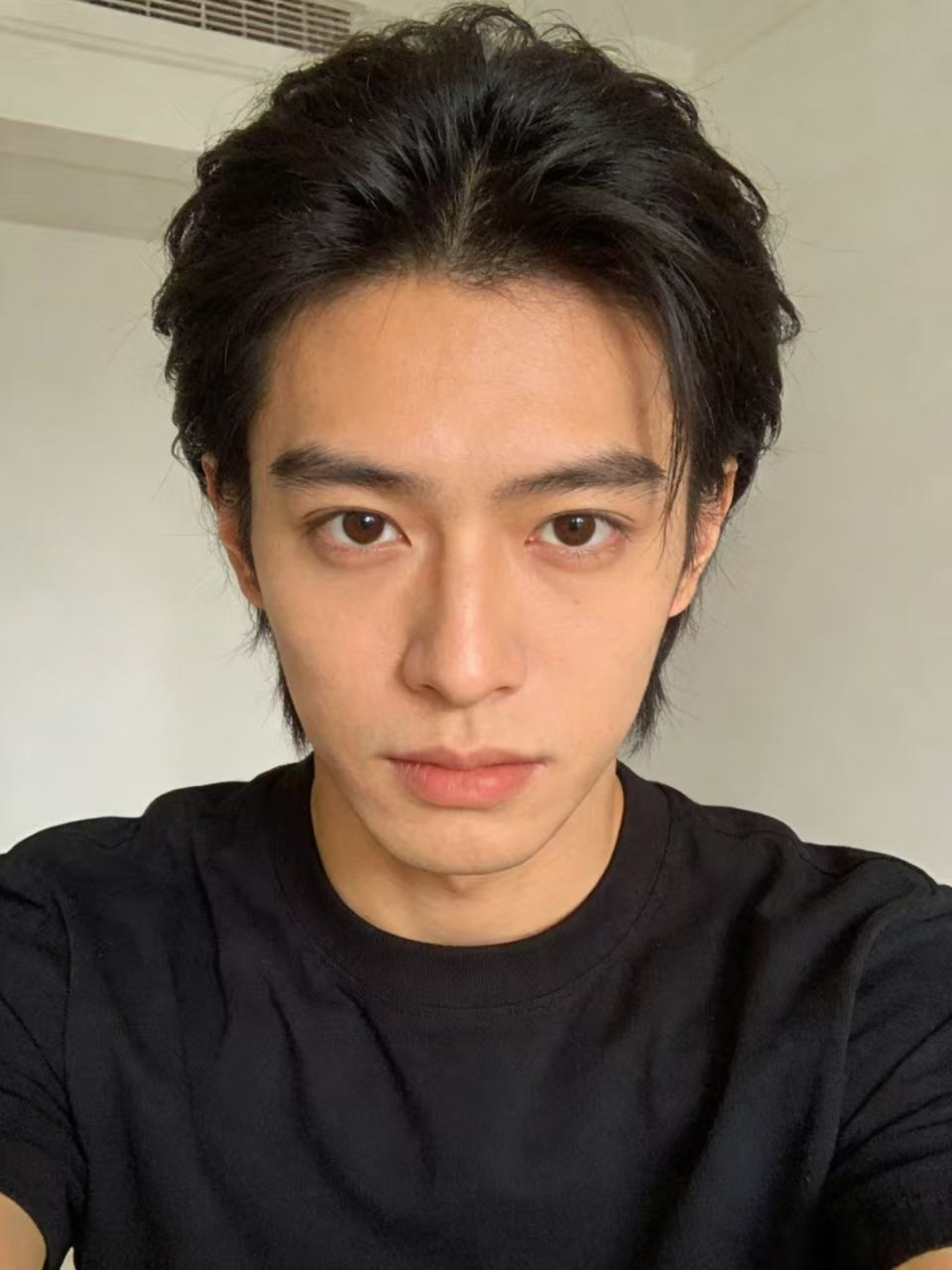
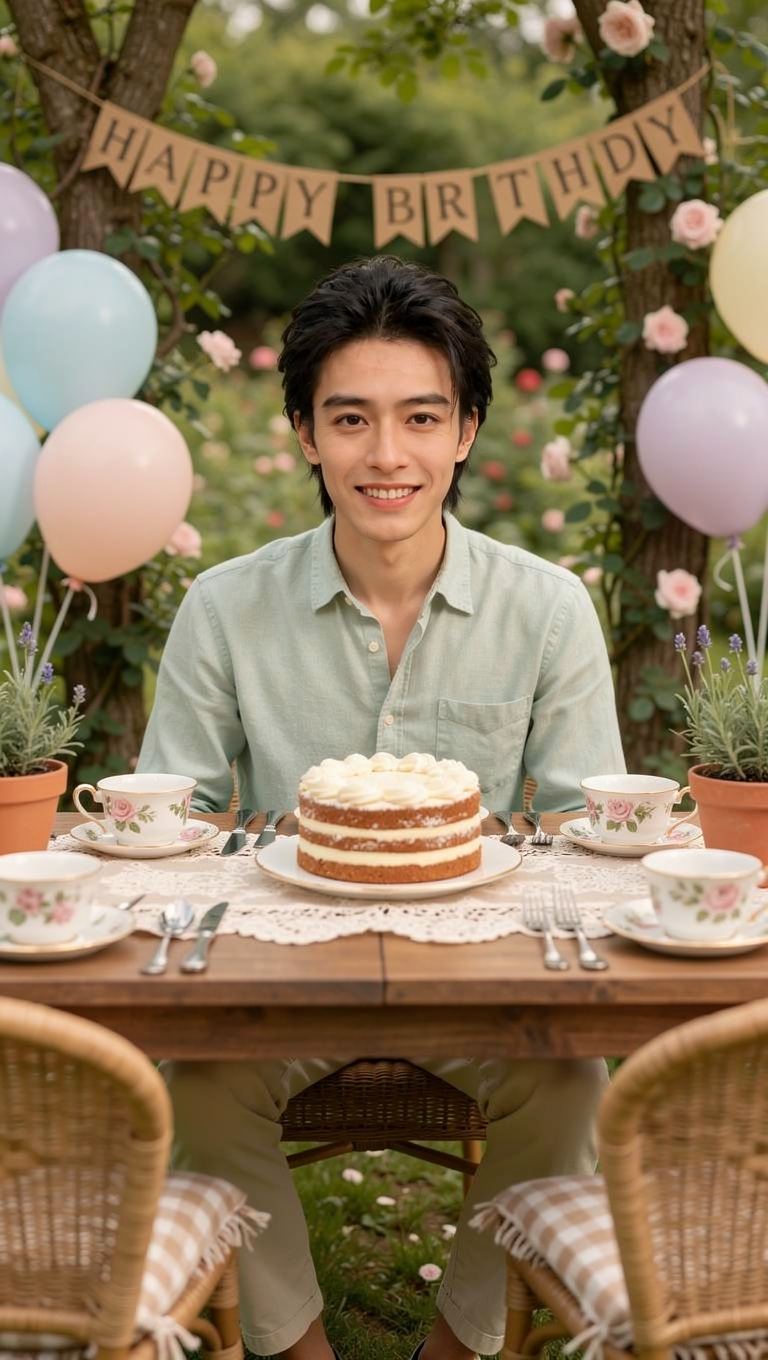
A birthday photo generator is an online tool that creates custom birthday-themed images. Unlike basic photo editors that just slap a "Happy Birthday" sticker on your photo, modern AI birthday photo generators create entirely new scenes featuring your face.
The technology uses advanced AI to analyze your facial features and seamlessly place you into professionally designed birthday celebration scenes. The result looks like a real photoshoot — not a cheap filter.
Why bdayphoto.com Is the Best Free Option
Truly free to start — You get 10 free credits when you sign up with Google. That's enough for 1 full generation (3 unique birthday scenes). No credit card required.
No download or installation — Everything runs in your browser. Works on desktop, tablet, and mobile. No app to install, no software to download.
AI-powered, not just filters — Our AI creates completely new scenes, not just overlays. The birthday person is placed in realistic celebration environments.
Fast results — Upload a photo, wait about 60 seconds, and get 3 unique birthday scenes. No manual editing needed.
Multiple resolutions — Choose from Standard (768×1365), HD (1080×1920), or Ultra HD (1440×2560) depending on your needs.
How to Use the Free Birthday Photo Generator
Step 1: Sign in. Visit bdayphoto.com and sign in with your Google account. You'll automatically receive 10 free credits.
Step 2: Upload a photo. Click the upload area and choose a clear photo with a visible face. JPG, PNG, and WebP formats are supported (up to 10MB).
Step 3: Choose resolution. Select your preferred resolution. Standard (10 credits) is free with your sign-up bonus.
Step 4: Generate! Click generate and wait about 60 seconds. The AI creates 3 unique birthday celebration scenes.
Step 5: Download. Preview all 3 scenes and download your favorites. Share on social media or print for a physical gift.
Free vs. Paid: What You Get
With free credits, you get the full experience — same AI quality, same 3 scenes per generation, same download options. The only difference is the number of generations you can create.
Free tier (10 credits): 1 Standard generation (3 scenes) — perfect for trying it out.
Starter pack ($3.99 / 50 credits): 5 Standard generations or 2 HD generations.
Standard pack ($9.99 / 150 credits): 15 Standard generations — great for creating birthday photos for multiple people.
Credits never expire, so there's no rush to use them.
Comparison: Free Birthday Photo Tools
| Feature | bdayphoto.com | Basic Photo Editors | Canva |
|---------|--------------|-------------------|-------|
| AI scene generation | ✅ Yes | ❌ No | ❌ No |
| Face-in-scene technology | ✅ Yes | ❌ No | ❌ No |
| Free to start | ✅ 10 credits | ✅ Yes | ✅ Yes |
| No download needed | ✅ Yes | ⚠️ Some | ✅ Yes |
| Unique results | ✅ Every time | ❌ Templates | ⚠️ Templates |
While basic photo editors and template tools are useful, they can't generate new AI scenes. bdayphoto.com is the only free option that creates photorealistic birthday celebrations with your actual face.
Ready to Create Your AI Birthday Photo?
Upload a selfie and get 3 unique birthday celebration scenes in about a minute. Free to try!
Try It Free →