Happy Birthday Photo — Create Stunning Birthday Photos with AI in 60 Seconds
What Is a Happy Birthday Photo?
A happy birthday photo goes beyond just snapping a picture at a birthday party. In 2026, it means creating a visually stunning, professionally styled birthday image that celebrates the birthday person in an extraordinary way.
AI birthday photo generators have changed the game entirely. Instead of relying on a smartphone photo of someone blowing out candles, you can now create cinematic birthday scenes featuring anyone's face — fantasy kingdoms, tropical paradises, elegant parties, and much more.
Why AI Birthday Photos Are Trending in 2026
Personalization — Every AI birthday photo is unique. The birthday person's actual face is placed into a custom-generated celebration scene. No two photos are ever the same.
Professional quality — AI creates photorealistic scenes that look like they were shot by a professional photographer with an unlimited budget. Lighting, composition, and detail are all handled automatically.
Speed — Creating a stunning birthday photo used to require Photoshop skills and hours of work. Now it takes about 60 seconds with AI.
Versatility — Use your AI birthday photo for social media, digital cards, printed gifts, party decorations, or just to make someone smile.
Accessibility — Anyone can create an AI birthday photo. No design skills, no expensive software, no learning curve. Just upload a photo and let the AI work its magic.
How to Create a Happy Birthday Photo with bdayphoto.com
Creating a personalized birthday photo is incredibly simple:
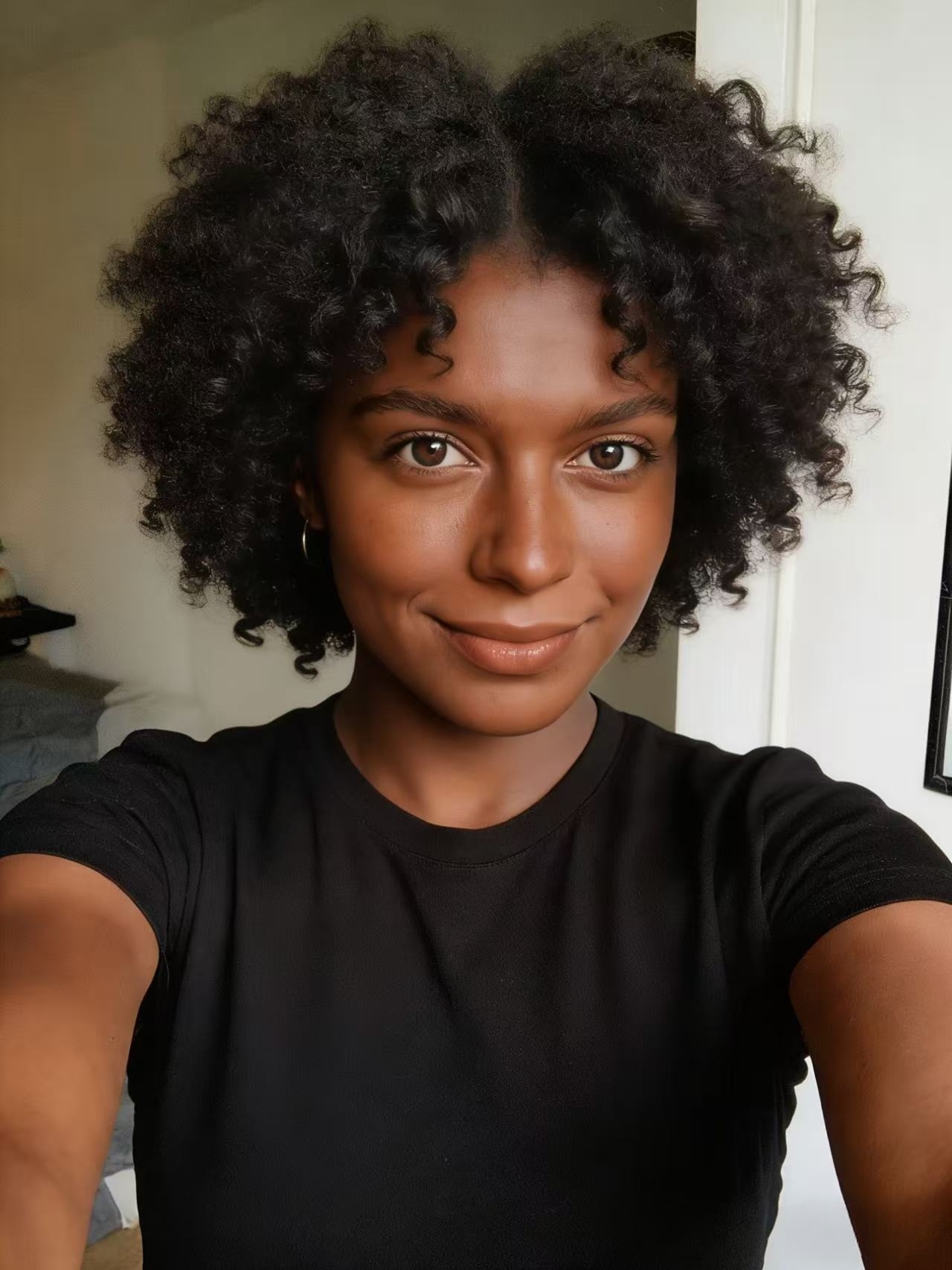
Step 1: Upload a photo. Choose a clear selfie or portrait where the face is visible. Front-facing, well-lit photos work best. Supported formats: JPG, PNG, WebP (up to 10MB).
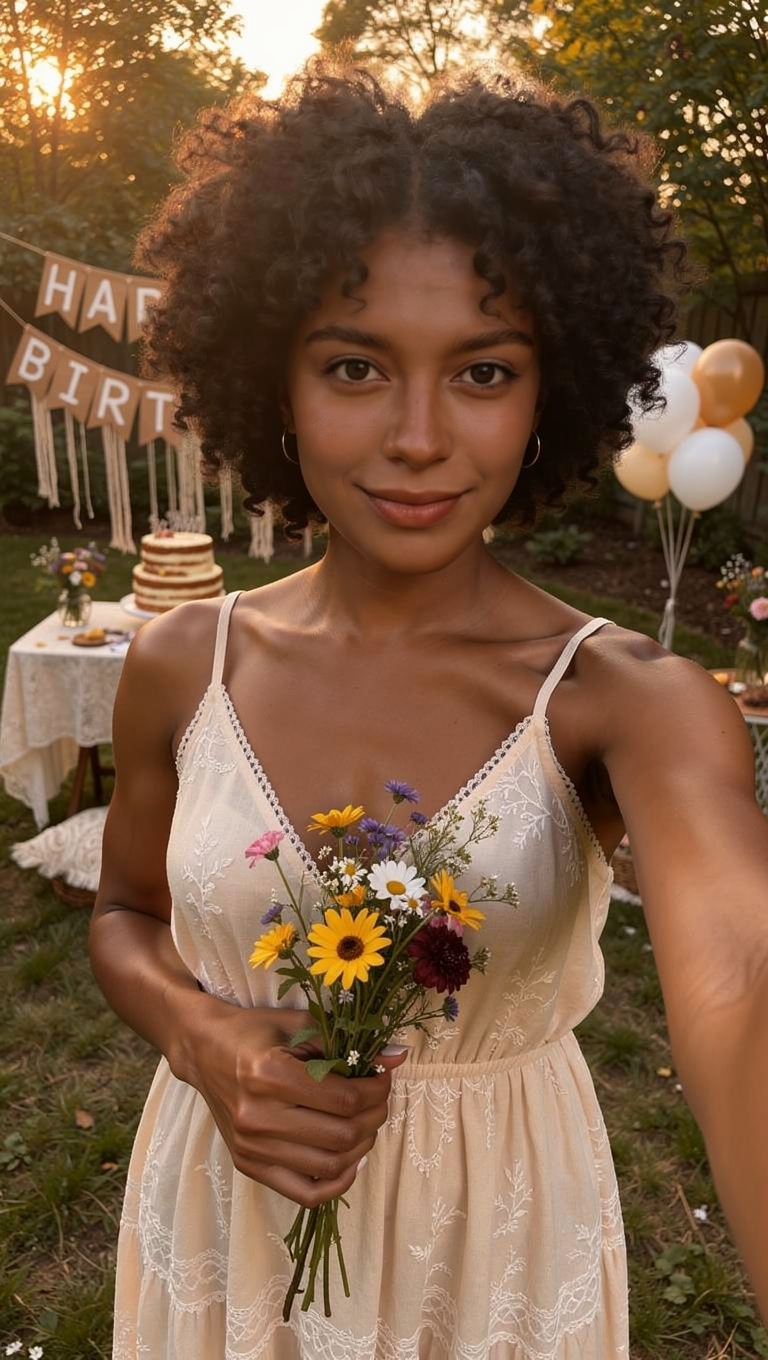
Step 2: Generate. Click generate and wait about 60 seconds. The AI analyzes the face and creates 3 unique birthday celebration scenes — each one completely different.
Step 3: Download & share. Preview all 3 scenes, pick your favorites, and download. Share on social media, send via message, or print for a physical gift.
That's it. Three steps, about one minute, and you have professional-quality birthday photos that nobody else in the world has.
Types of AI Birthday Photo Scenes
When you generate a birthday photo on bdayphoto.com, the AI creates diverse celebration scenes. Here are some styles you might get:
Fantasy celebration — Enchanted castles, magical forests, golden thrones surrounded by floating candles and birthday decorations.
Elegant party — Sophisticated settings with beautiful lighting, flowers, and stylish birthday celebrations worthy of a magazine cover.
Tropical paradise — Beach celebrations with sunset views, palm trees, and crystal-clear water. Birthday vibes meet vacation dreams.
Vintage glamour — Old Hollywood-style birthday portraits with classic lighting and timeless elegance.
Whimsical scenes — Underwater parties, space celebrations, balloon fiestas, and other imaginative scenarios that are impossible in real life but stunning in AI.
Each generation creates 3 different scenes, giving you variety to choose from.
Birthday Photo Resolution Options
bdayphoto.com offers three resolution tiers to match your needs:
Standard (768×1365) — 10 credits — Perfect for social media posts and digital sharing. Looks great on phone screens and in messages.
HD (1080×1920) — 20 credits — Ideal for high-quality digital use and small prints. Crisp detail for Instagram, Facebook, and digital cards.
Ultra HD (1440×2560) — 30 credits — Best for printing. Sharp enough for large prints, posters, and framed gifts. Maximum detail and quality.
All new users get 10 free credits — enough for one Standard generation of 3 birthday scenes. Credit packages start at $3.99 for 50 credits.
10 Ways to Use Your Happy Birthday Photo
1. Social media post — Post on Instagram, Facebook, or Twitter with a birthday tribute.
2. WhatsApp/iMessage — Send directly as the ultimate birthday greeting.
3. Digital birthday card — Add to a Canva template with a personal message.
4. Print and frame — Order a high-quality print for a lasting physical gift.
5. Phone wallpaper — Set it as the birthday person's phone wallpaper as a surprise.
6. Birthday mug/t-shirt — Use print-on-demand services to put the image on merchandise.
7. Party decoration — Print multiple copies for table decorations or a photo wall.
8. Photo calendar — Feature AI birthday photos in a personalized calendar.
9. Email greeting — Attach to a birthday email for colleagues or distant friends.
10. Birthday slideshow — Combine multiple AI birthday scenes into a video slideshow.
Get started free at bdayphoto.com — upload a photo, get 3 unique birthday scenes in 60 seconds!
Ready to Create Your AI Birthday Photo?
Upload a selfie and get 3 unique birthday celebration scenes in about a minute. Free to try!
Try It Free →